> ## Documentation Index
> Fetch the complete documentation index at: https://docs.linkutm.com/llms.txt
> Use this file to discover all available pages before exploring further.
# Link cloaking
> Keep your short link in the address bar while showing the destination page behind it.
Link cloaking keeps your short URL visible in the visitor's address bar for the entire session. The destination page loads inside your short link's URL, so the visitor never sees where the link actually goes.
## When to use it
* White-labelling a third-party page under your own branded domain.
* Sharing an affiliate link without exposing the raw affiliate URL to the visitor.
* Keeping a campaign destination confidential while still tracking clicks.
## How to use it
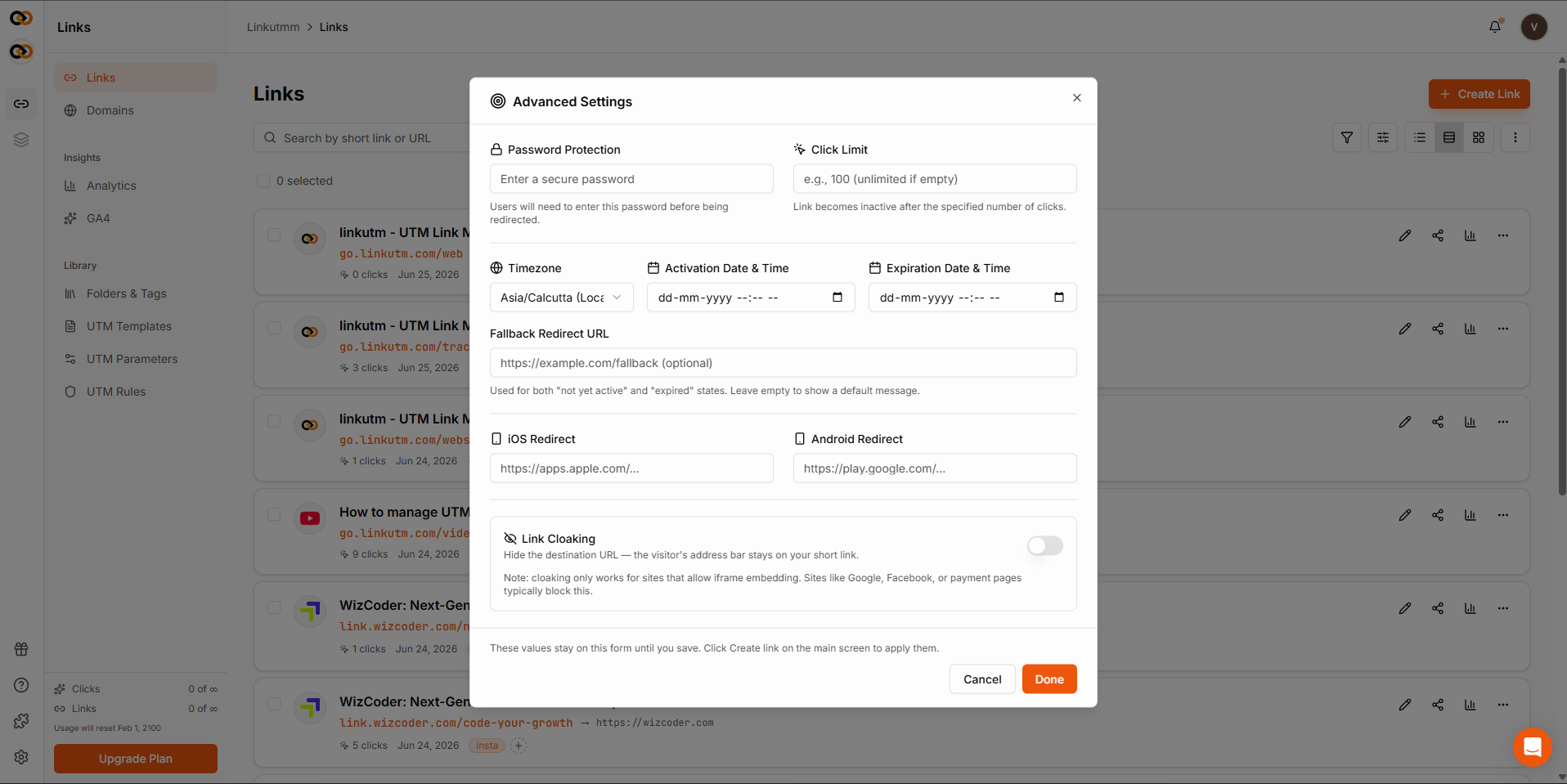
In the create or edit link panel, click **Advanced** in the bottom bar.
Find the **Link Cloaking** toggle and switch it on. linkutm checks whether the destination allows this and shows a warning if it doesn't.
 If the destination blocks cloaking, a yellow warning appears. You can still save the link, but visitors may see a blank page. Choose a different destination or turn cloaking off.
The setting is stored on the link. Every visit will now show your short URL in the address bar.
## Real-world example
An affiliate publisher promoting a partner's product page under their own short domain:
```
Destination: https://partner.com/products/widget
Short link: go.yoursite.com/widget
Cloaking: on
```
Visitors see `go.yoursite.com/widget` throughout. The partner's page loads normally.
## Common mistakes
These sites don't allow being displayed inside another page, so cloaking won't work. Visitors see a blank page. linkutm warns you when this is detected. Pay attention to that warning before saving.
Cloaking hides the destination URL from the address bar. UTM parameters are still appended to the destination URL and recorded in analytics. They are not shown to the visitor, but they are still present.
## Edge cases
**Not all sites allow this.** Whether cloaking works depends on the destination site's settings, not linkutm. linkutm runs a compatibility check when you enable it and warns you if the site blocks embedding.
If the destination blocks cloaking, a yellow warning appears. You can still save the link, but visitors may see a blank page. Choose a different destination or turn cloaking off.
The setting is stored on the link. Every visit will now show your short URL in the address bar.
## Real-world example
An affiliate publisher promoting a partner's product page under their own short domain:
```
Destination: https://partner.com/products/widget
Short link: go.yoursite.com/widget
Cloaking: on
```
Visitors see `go.yoursite.com/widget` throughout. The partner's page loads normally.
## Common mistakes
These sites don't allow being displayed inside another page, so cloaking won't work. Visitors see a blank page. linkutm warns you when this is detected. Pay attention to that warning before saving.
Cloaking hides the destination URL from the address bar. UTM parameters are still appended to the destination URL and recorded in analytics. They are not shown to the visitor, but they are still present.
## Edge cases
**Not all sites allow this.** Whether cloaking works depends on the destination site's settings, not linkutm. linkutm runs a compatibility check when you enable it and warns you if the site blocks embedding.