

When to use it
- Destination doesn’t have preview tags (or has bad ones).
- You want a campaign-specific preview without changing the page.
- A/B testing share previews across channels.
How to use it
1
Open Advanced → Social preview
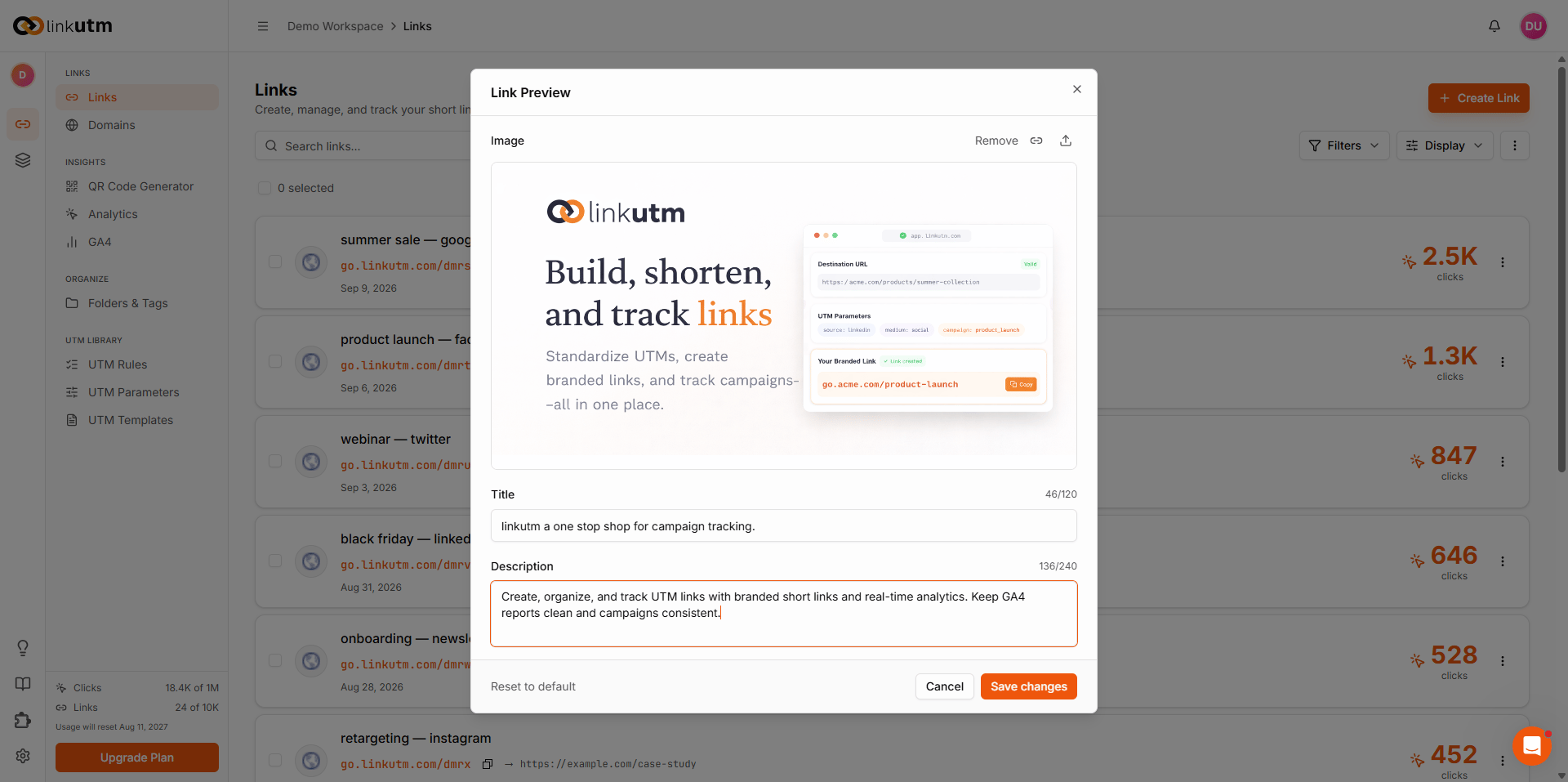
In the link creation, expand Advanced and find the Social preview section.
Real-world example
Same destination URL, different previews per channel:https://acme.com/launch. Per-link preview settings drive different share cards.
Common mistakes
Forgetting cache
Forgetting cache
LinkedIn and Meta cache preview data. Use their debug tools to flush after changes.
Image too large or non-public
Image too large or non-public
Files over ~5 MB or URLs behind auth won’t render. 1200×630 PNG/JPG, public.
Image address starts with http, not https
Image address starts with http, not https
If your preview image address starts with
http instead of https, some platforms block it from showing. Always use an https image address.Edge cases
Imported links auto-fetch preview data from the destination during import (5s timeout). If the fetch fails, the favicon falls back to Google’s favicon service for the destination domain.