

go.acme.com/{shortCode}. linkutm stores one mapping per code; clicks on the code redirect to your full UTM-tagged destination URL.
When to use it
- Always - every link gets a short code, auto-generated or custom.
- When the slug appears in print, on a podcast read, or anywhere a human reads it aloud.
- Skip customization for ads - auto-generated codes are fine and prevent typos.
How to set one
- Auto-generated
- Custom slug
Leave the Custom slug field empty when creating a link. linkutm generates a short code automatically.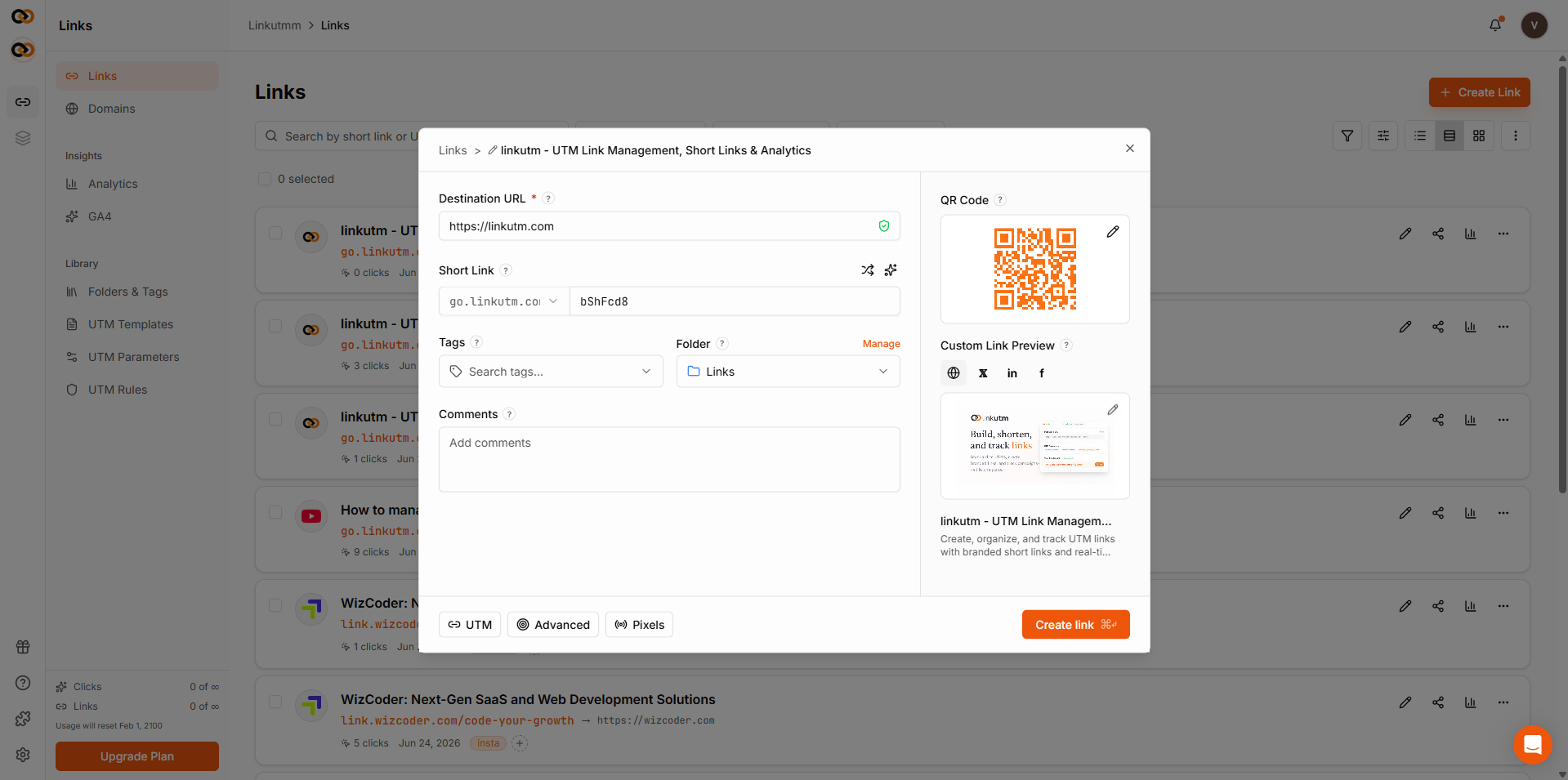
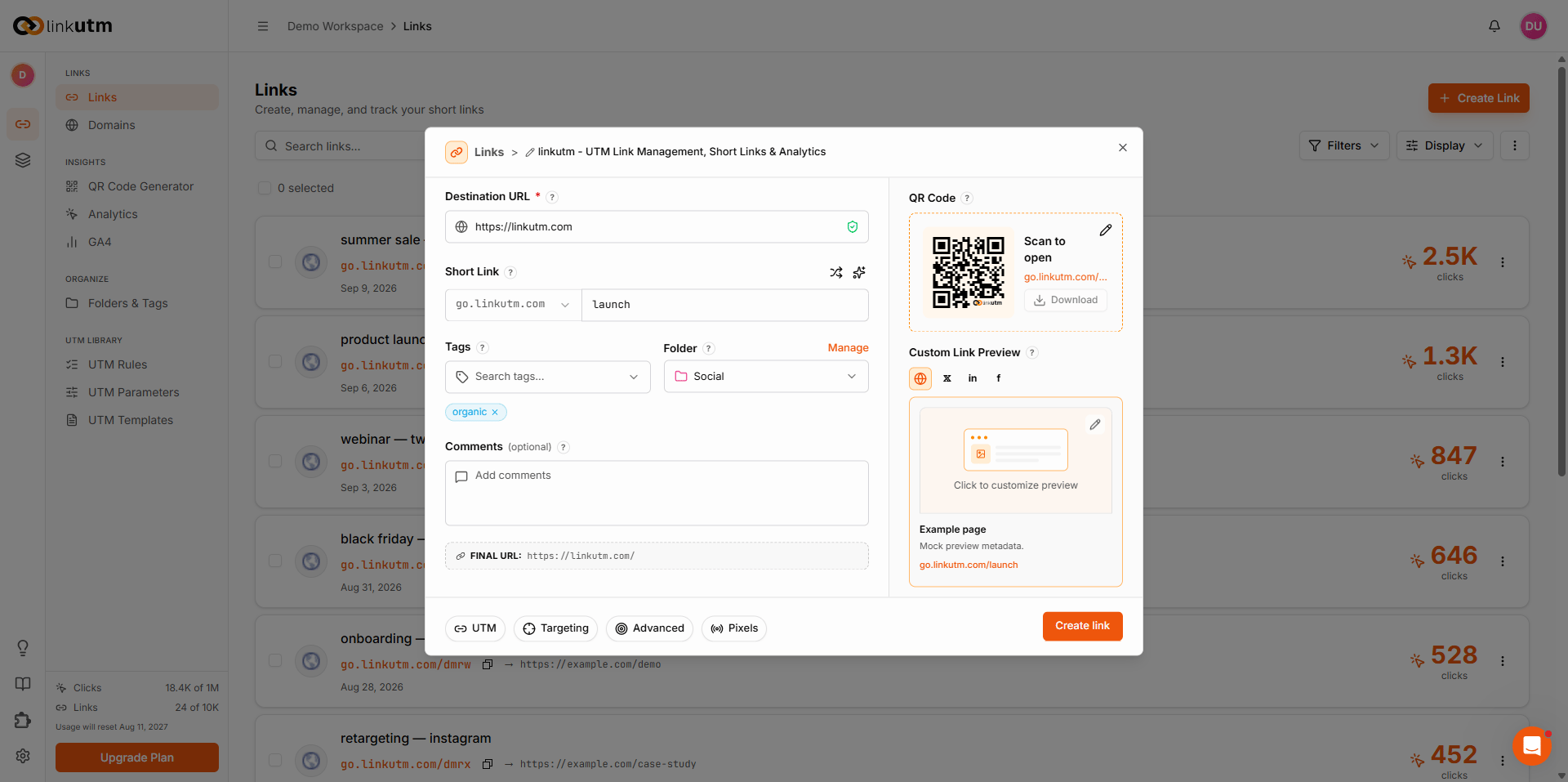
Real-world example
Common mistakes
Reusing a slug
Reusing a slug
Short codes are globally unique across linkutm. If the system says “already exists”, pick another - even if no one in your workspace uses it.
Long descriptive slugs
Long descriptive slugs
q2-2025-product-launch-google-ads defeats the purpose. Aim for ≤15 characters.Special characters
Special characters
Only
a-z, 0-9, - allowed. Underscores, slashes, periods get rejected.Edge cases
Renaming an existing slug. Edit the link → change Short code. The old slug stops working immediately. All historical clicks remain attached to the link’s analytics.
System paths. Slugs that collide with system paths (
api, health, docs, favicon.ico) won’t resolve through the redirect. Avoid these as custom slugs.Archived links. Archiving a link does not stop it from redirecting. The link continues to work normally. Archive is for organization only.
Expired links. Once the expiration date passes, the link redirects to the fallback URL if one is set. Without a fallback URL, visitors see an error page.