

When to use it
- Same channel, repeat campaigns: weekly newsletter, monthly Google Ads, recurring event.
- Multi-person team - without templates, three marketers will spell
Newsletter/newsletter/news_letterdifferently. - Big launches with 20+ links per channel.
How it works
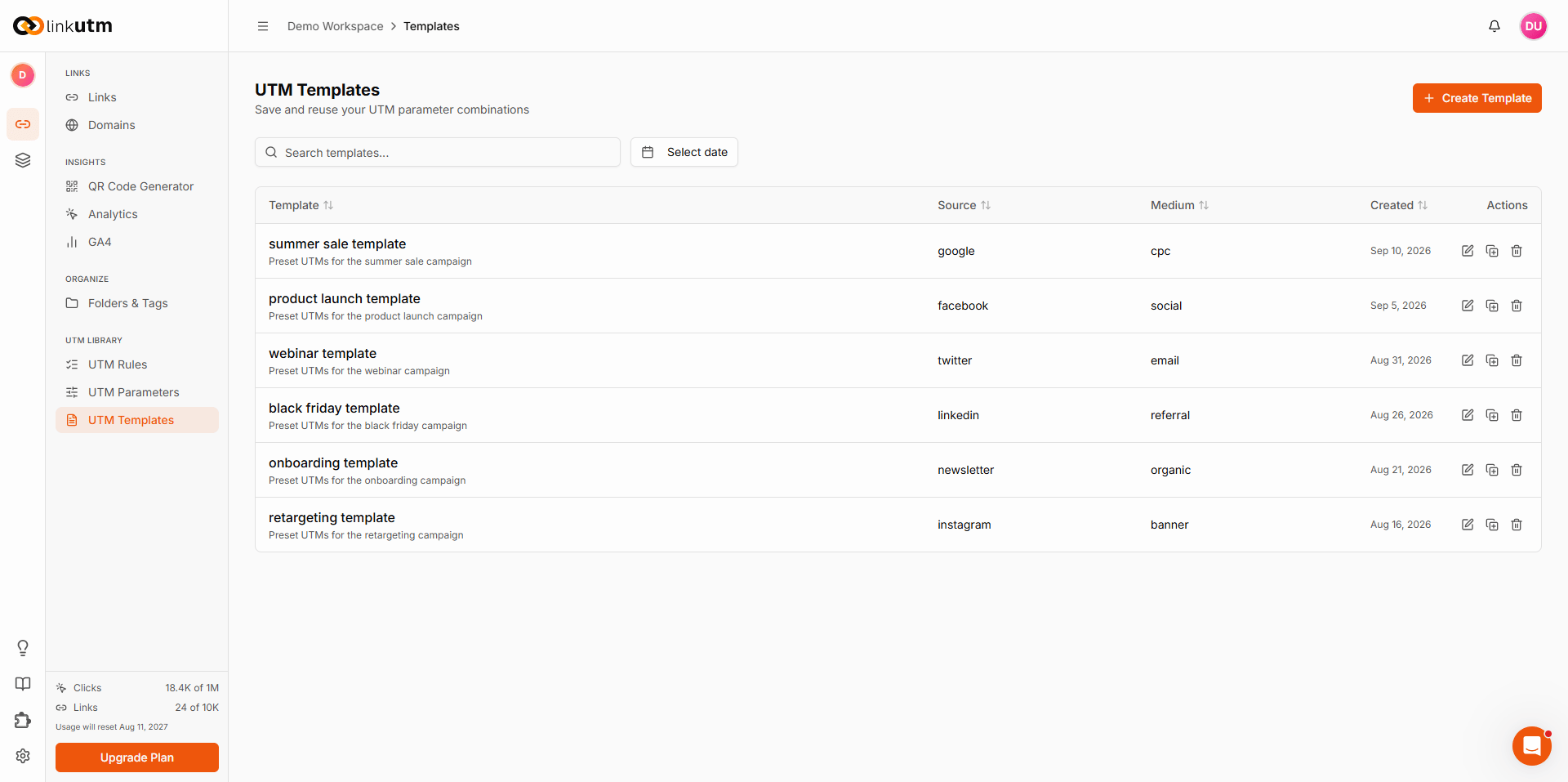
A template stores the raw UTM values. When applied during link creation, they pre-fill the form. You can override any field before saving.Real-world example
A SaaS company runs:
Marketer building this week’s newsletter link: pick Newsletter Weekly template → fill destination URL + content (
hero_cta) → done in 5 seconds.
Common mistakes
One template per link
One template per link
Templates are for shape, not specific links. Make
Newsletter Weekly, not Newsletter Week 19 May 5.Hard-coding utm_content in template
Hard-coding utm_content in template
utm_content differentiates within a template. Leave it blank in the template; fill per-link. Otherwise every link inherits the same content value.Templates as the only standard
Templates as the only standard
Templates are opt-in - a user can skip them. If consistency matters across the team, pair templates with UTM Rules which enforce standards automatically.
Edge cases
Template limit. Each workspace has a maximum number of templates. Reached the limit? Deactivate or delete unused ones - see Manage templates.
Template values still pass through UTM Rules on link save. A template with
utm_source=Newsletter becomes newsletter if force-lowercase is on.