

When to use it
- Print: flyers, business cards, packaging.
- Events: trade-show booths, conference signage.
- TV / video overlays.
- Restaurants, retail - anywhere the audience holds a phone but can’t type.
How to use it
1
Find your link
Sidebar → Links.
2
Open QR Code
On the link row, click More options, then select QR Code. The panel opens with a live preview and customization tabs.
3
Customize and download
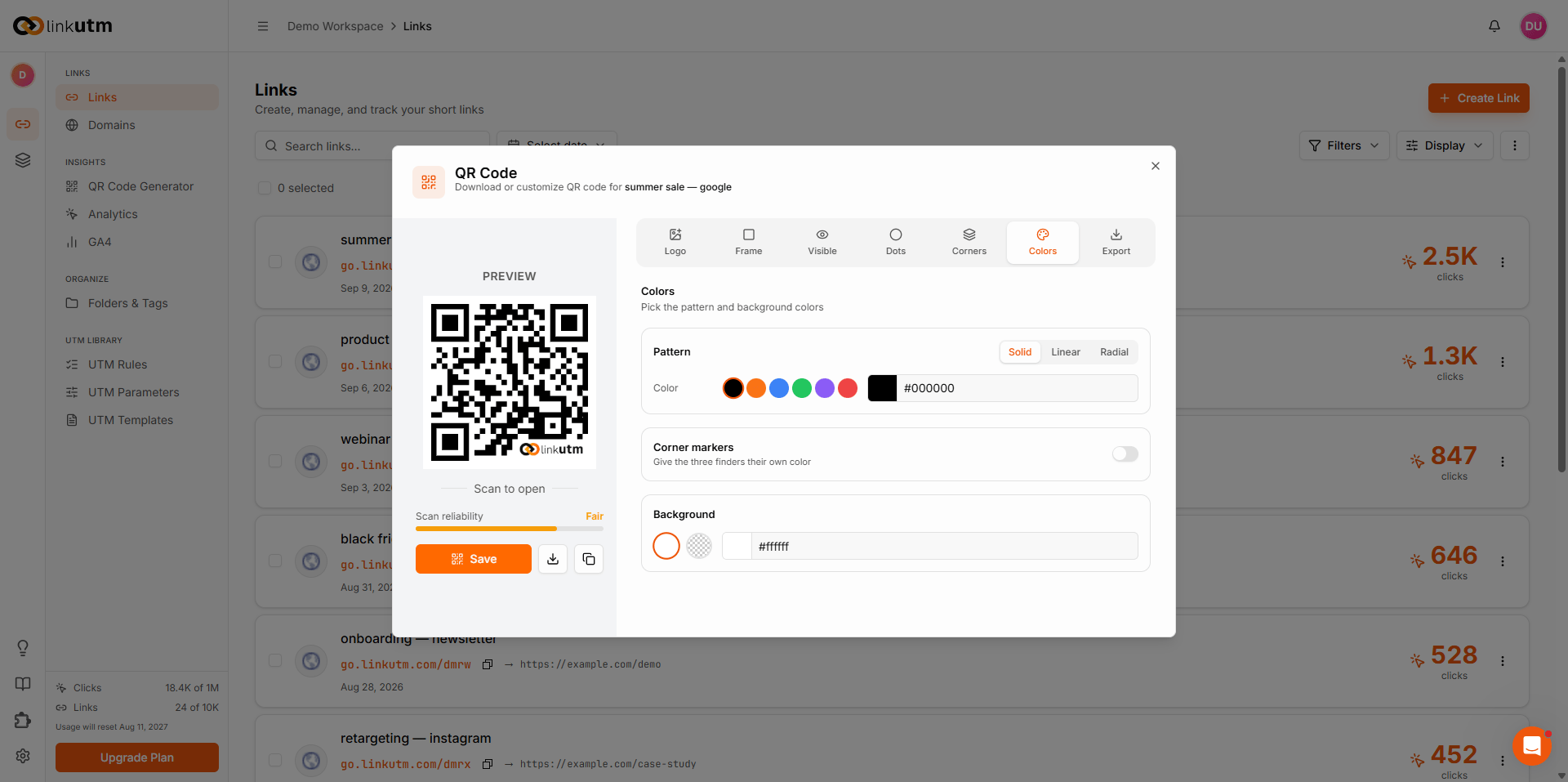
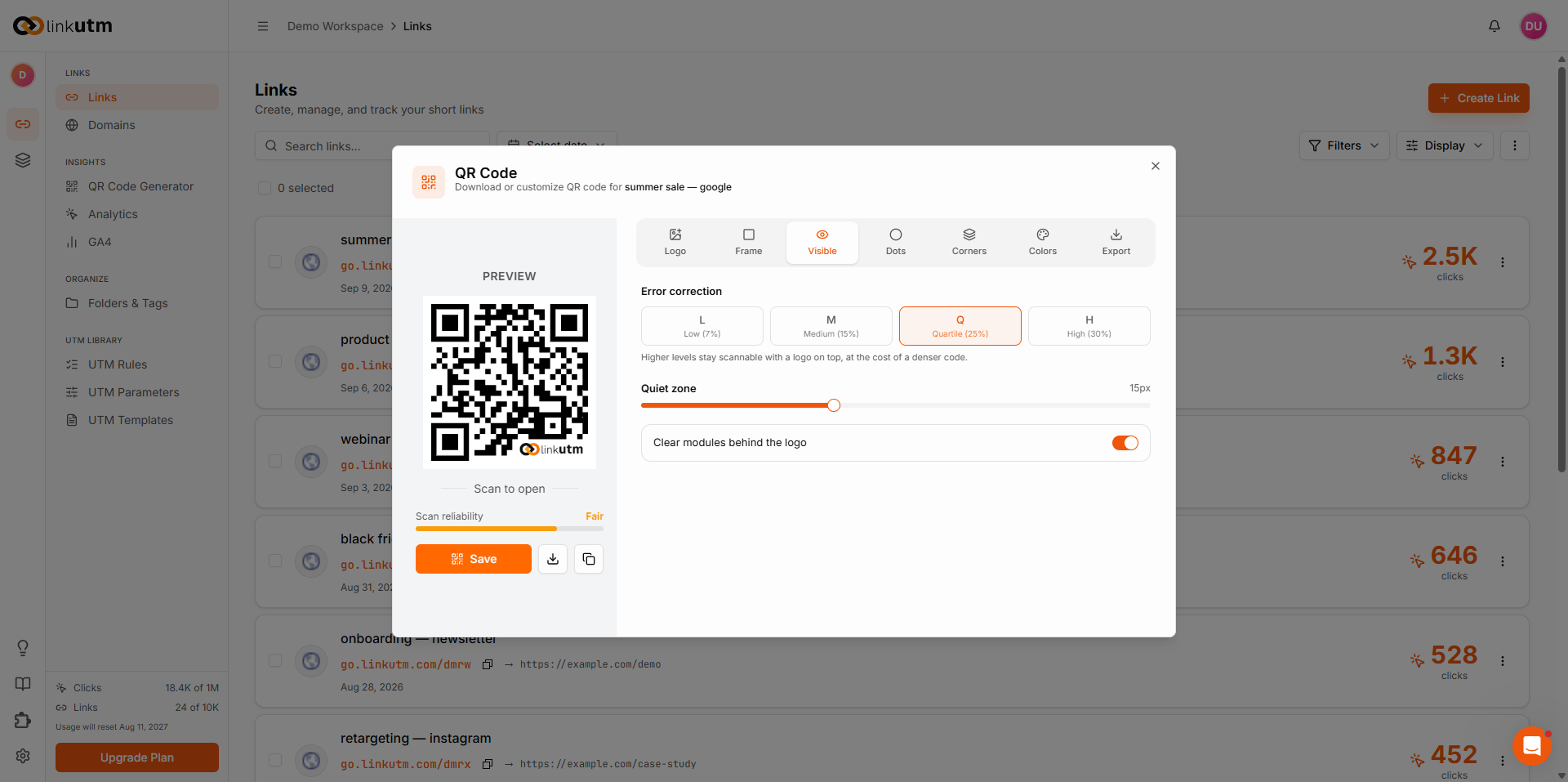
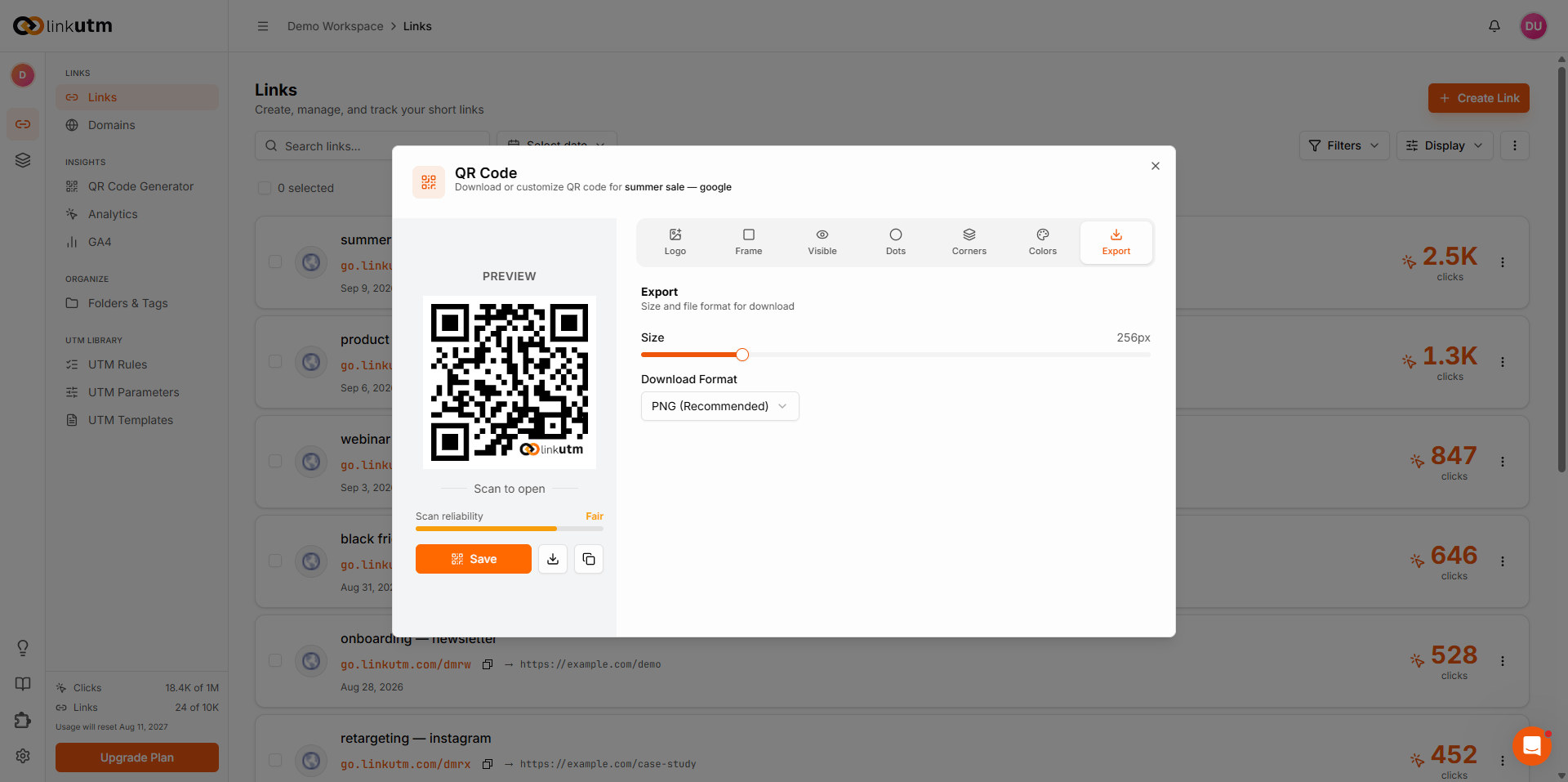
Adjust settings across the tabs. The preview updates in real time. Click Save or use the download button to export as PNG, SVG, or JPEG.
Customization
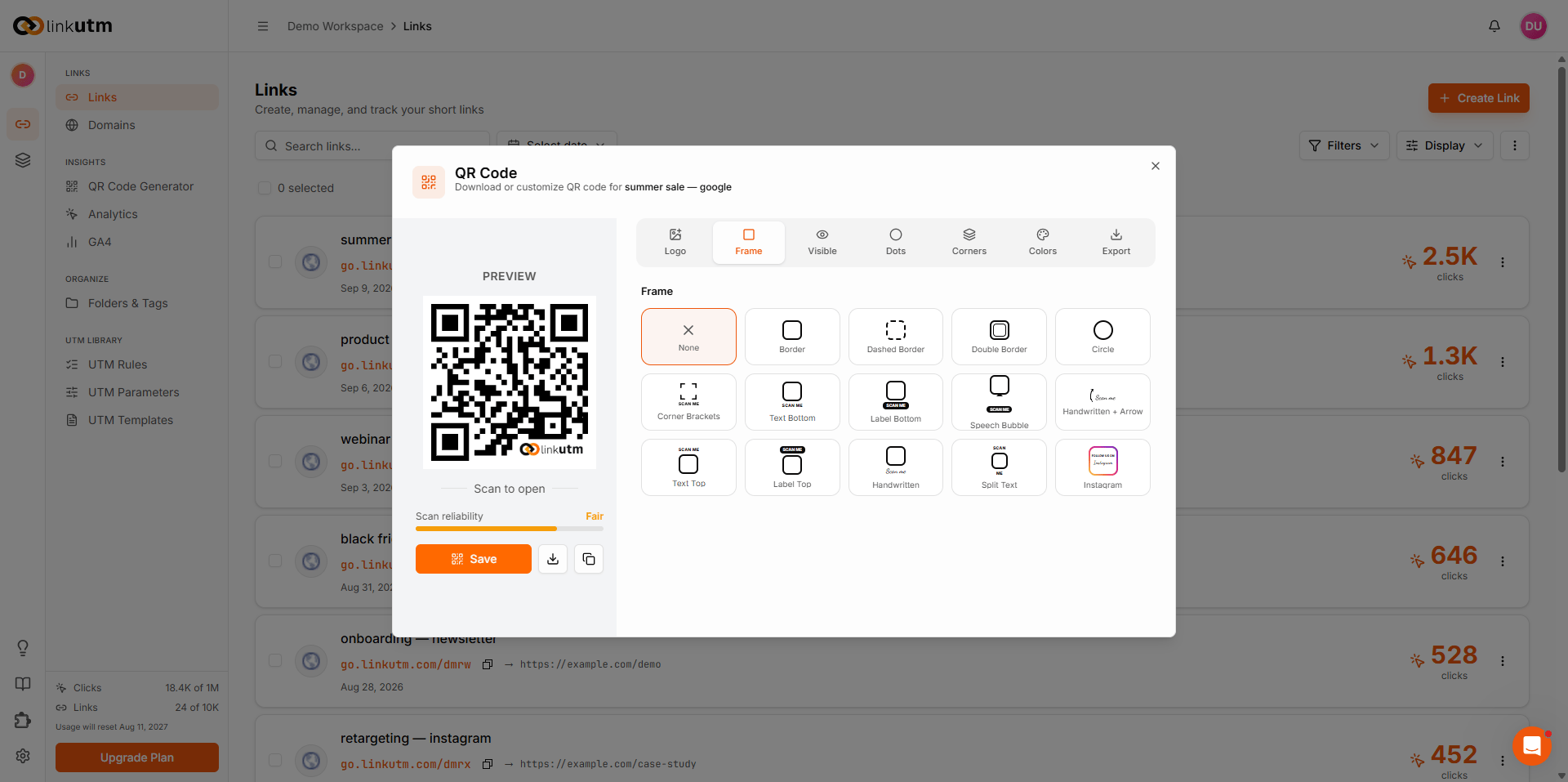
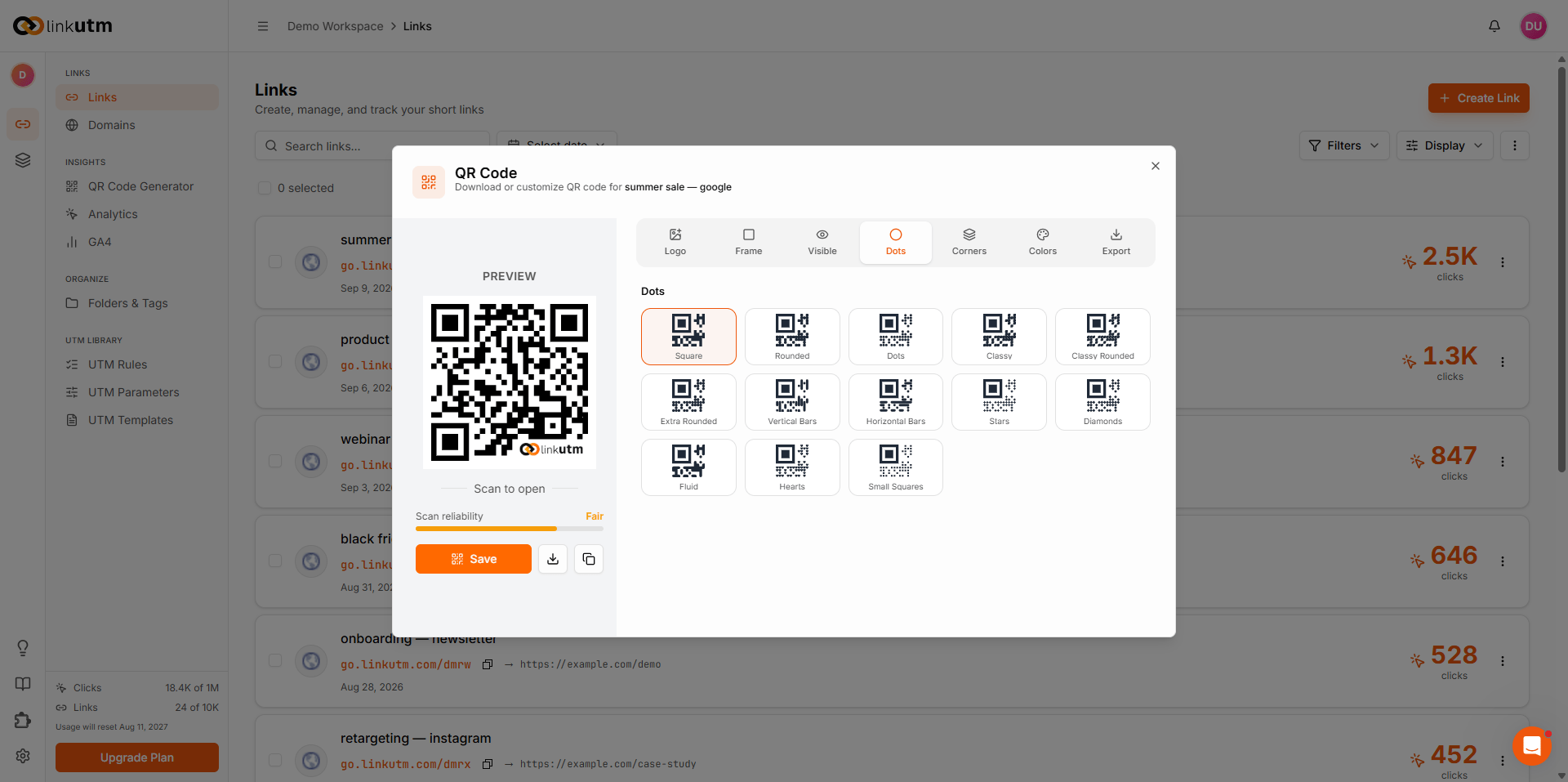
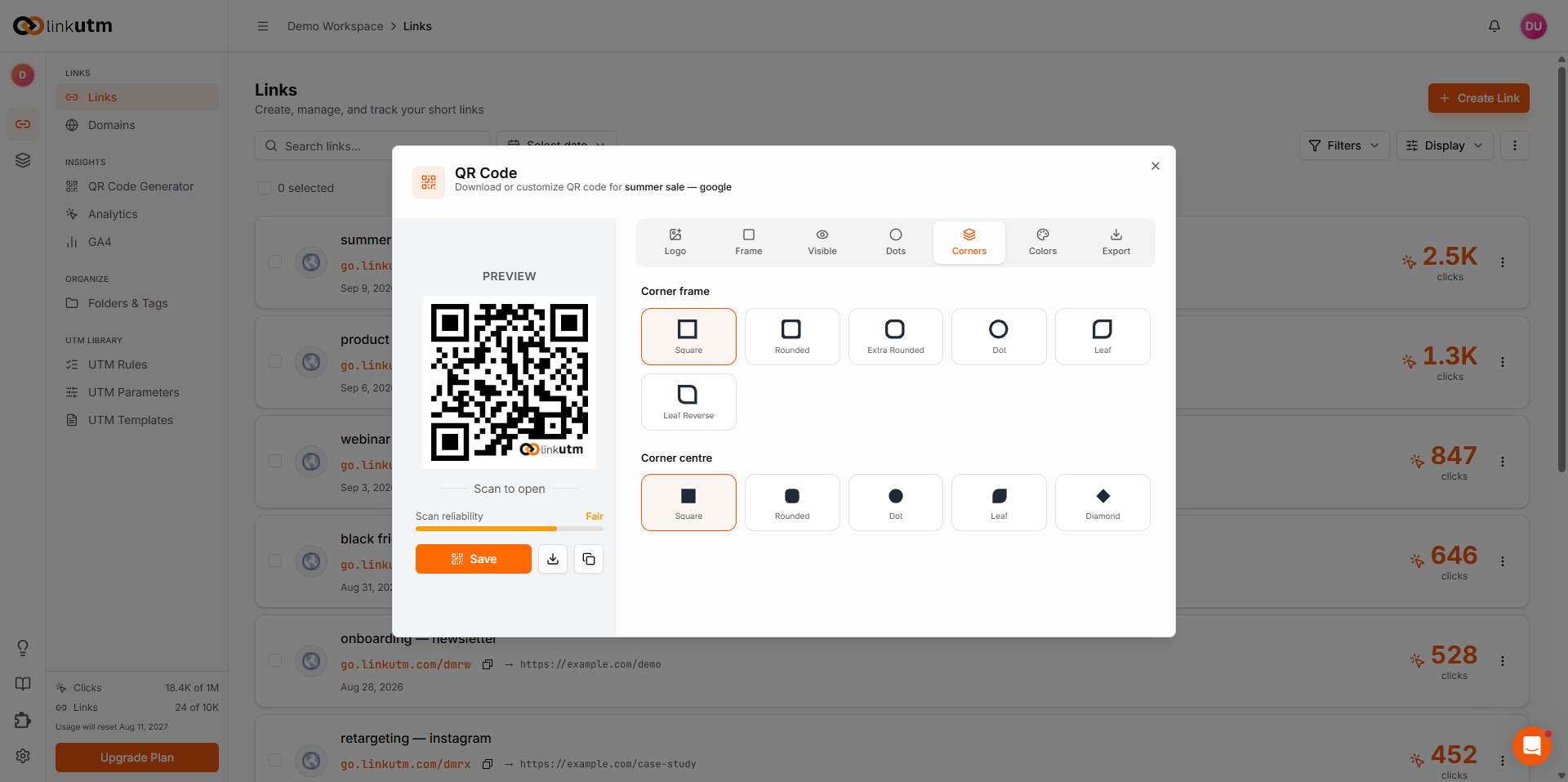
The QR panel has seven tabs. Each controls a different visual aspect of the code, plus export. Logo. Place a logo or icon in the center. Upload an image, enter text, or pick a social media preset: linkutm, WhatsApp, Facebook, Instagram, Twitter/X, YouTube, LinkedIn, Telegram, or TikTok.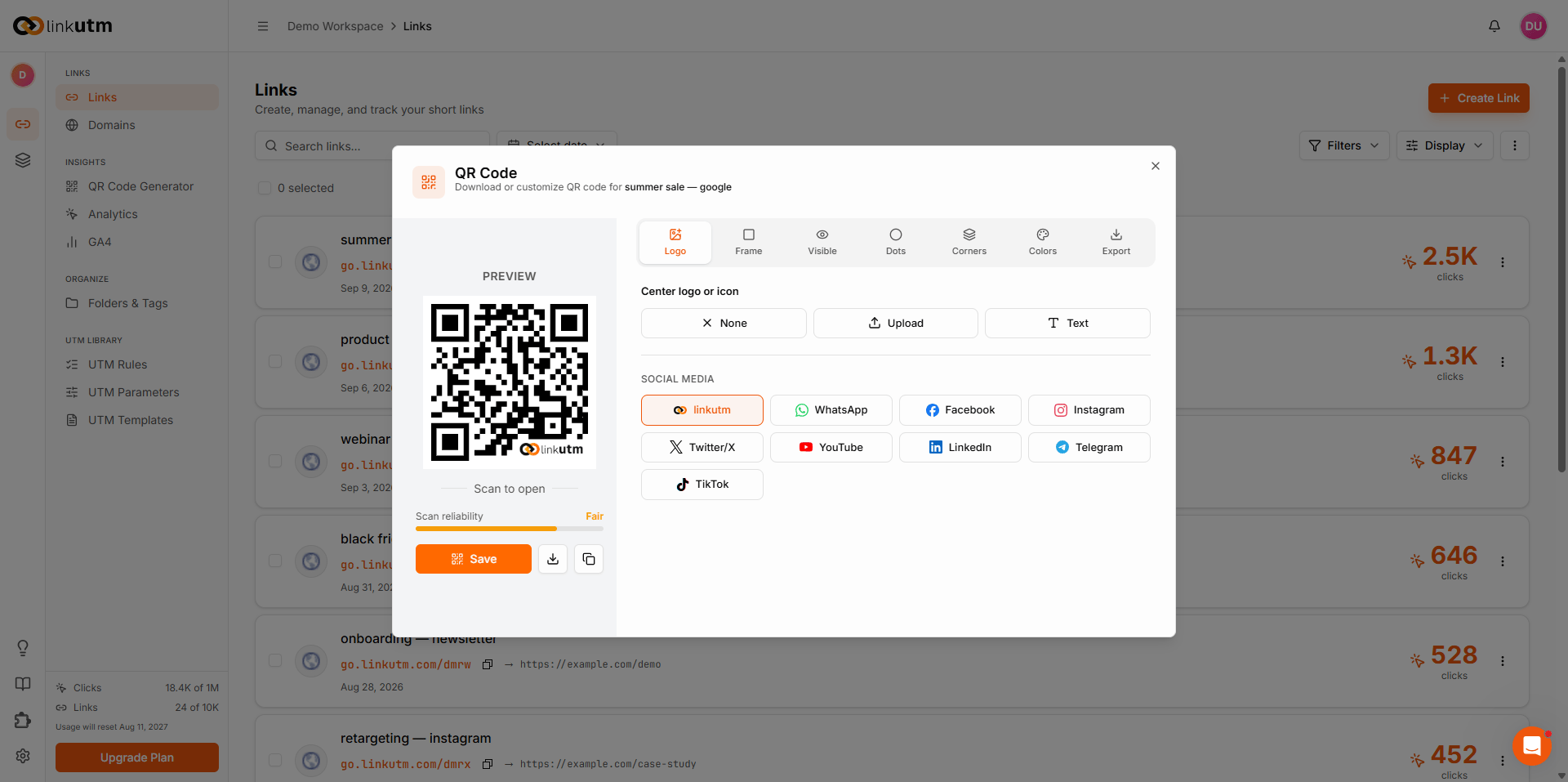
Real-world example
Coffee shop loyalty stamp card:go.acme-cafe.com/cafe-loyalty on every receipt. Analytics shows scans by region (which store), device (iOS vs Android), time of day.
Common mistakes
QR encoding the destination directly
QR encoding the destination directly
Bypasses linkutm - no click tracking, no UTM consistency. Always encode the short URL, not the long destination.
Editing the link after print
Editing the link after print
Changing the slug breaks every printed QR. Lock the slug before you commit to print.
Logo making the QR unscannable
Logo making the QR unscannable
A large or complex logo reduces scan reliability. Keep the logo small and set error correction to High. The scan reliability indicator in the panel turns red when the code is at risk.
Edge cases
Links with pixels enabled show a brief loading page before the redirect. QR scans inside an in-app browser may show this page. Tracking accuracy is not affected.